January 21, 2026
Happy New Year! We just got back from CES, and robots were everywhere. It really felt like a turning point. Jensen (NVIDIA), Cristiano Amon (Qualcomm), and Lisa Su (AMD) were all talking about robotics, AI training, and how performance is finally catching up to what robotics actually needs. It was exciting to see these conversations happening so openly and at this scale, especially when just a few years ago robots felt like a side topic at CES. As someone who’s been building in this space with MoveIt™ for a long time, it was energizing to see how much momentum there is right now.
In this update
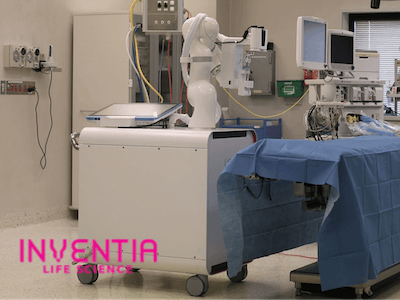
- Case Study: Inventia Life Science
- New Features in MoveIt Pro
- MoveIt Pro Core
- Behaviors Hub
- Visualize TF Transform Frames
- Alert Message History Sidebar
- Behavior Tree Editor Sync with IDE
Case Study: Inventia Life Science
Learn more
New Features in MoveIt Pro

Announcing MoveIt Pro Core Product
We’re excited to announce a new product in our line-up: a set of modular, real-time C++ libraries with minimum dependencies. MoveIt Pro Core features solvers, planners and controllers tailored to highly custom programs like spaceflight and healthcare robotics.Learn more
Behaviors Hub
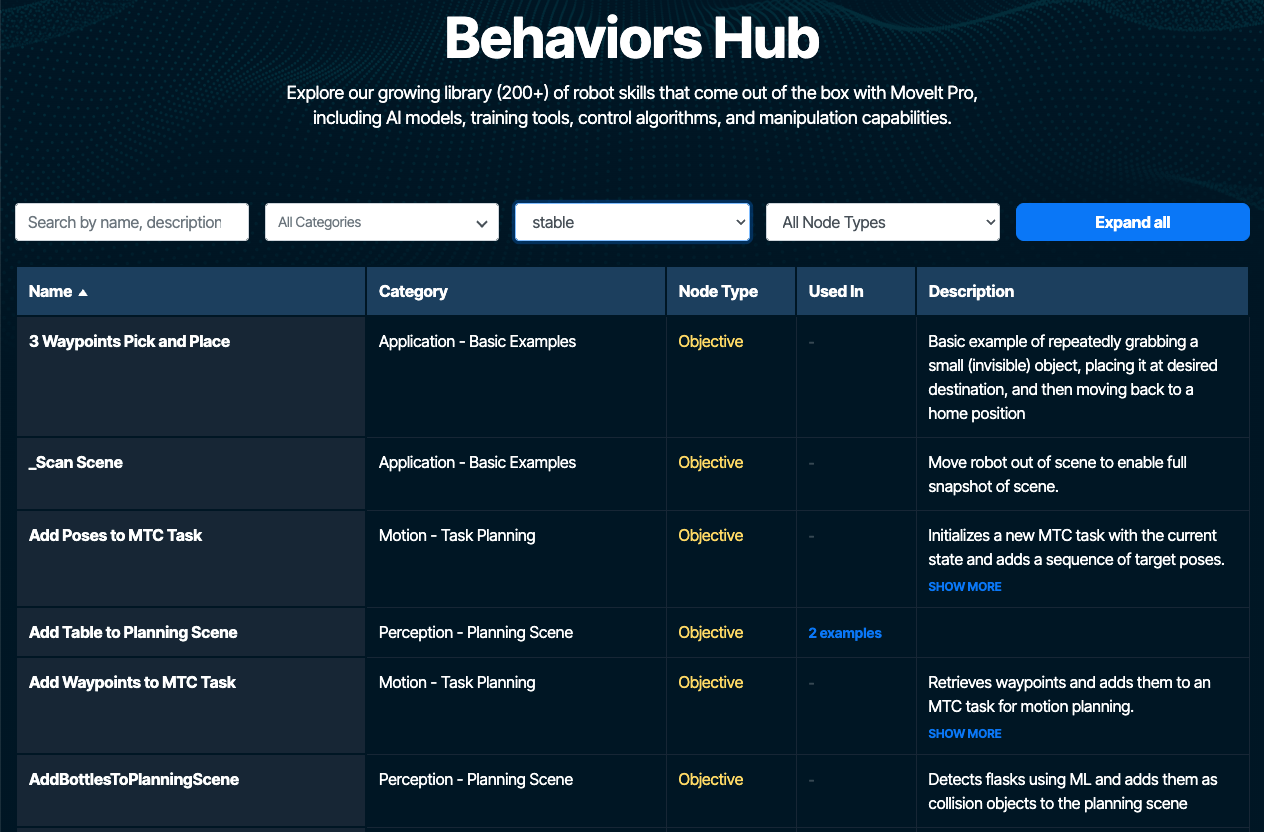
Explore our growing skills library of 200+ robot skills that come out of the box with MoveIt Pro, including AI models, training tools, control algorithms, and manipulation capabilities. For example, search for our “Visualize TF” behavior (shown below).Check it out
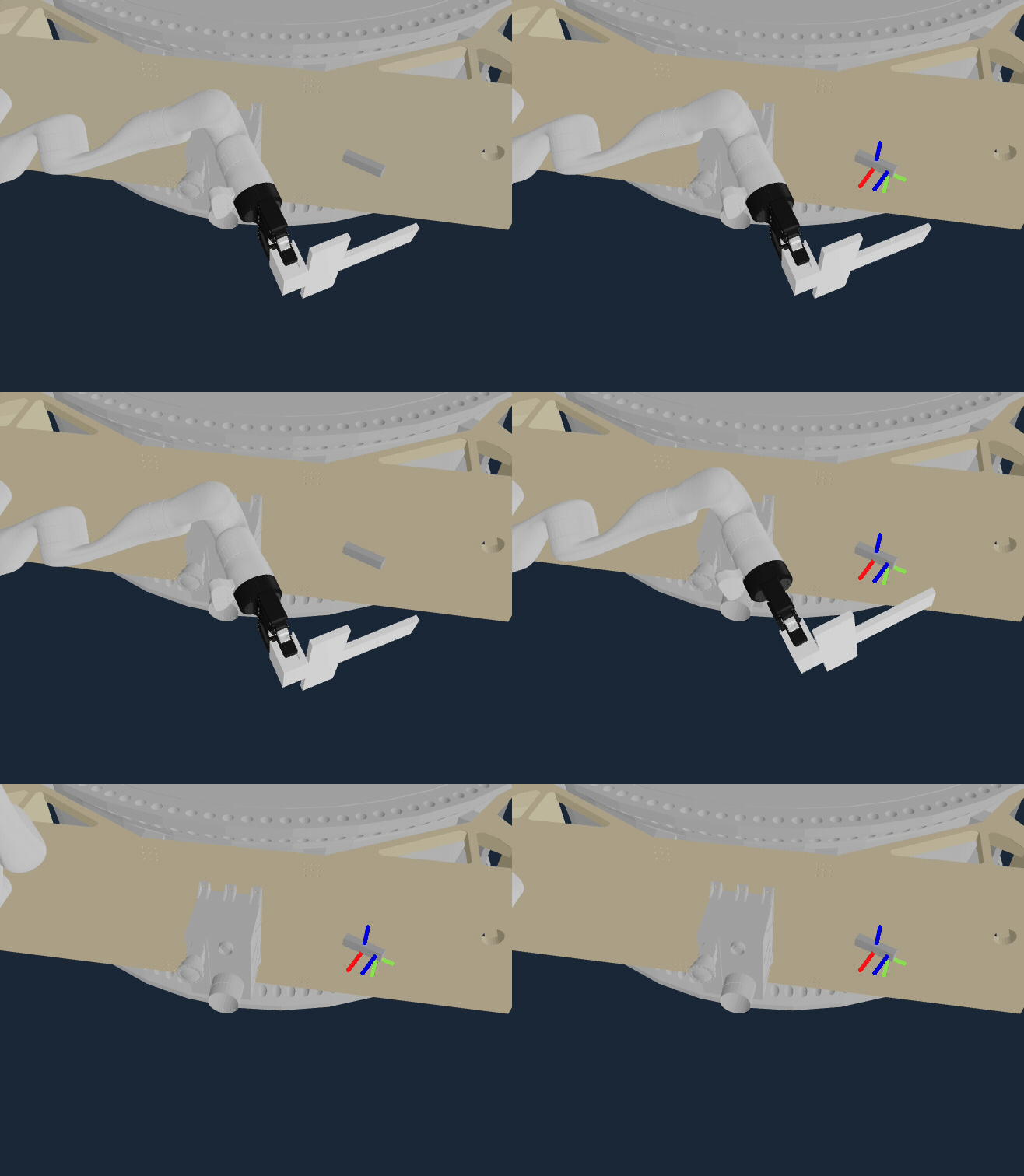
“Visualize TF” Transform Frames Behavior
We’ve improved your ability to visualize any transform frame (known to ROS™' tf2) in the user interface. This can be used in your Behavior Trees to help with debugging and visualization of coordinate frames.Alert Message History Sidebar
Now you can more easily find and search past errors, warnings, and info messages within MoveIt Pro, persisting beyond the initial popup message. This improves the development experience, as requested by some of our power users.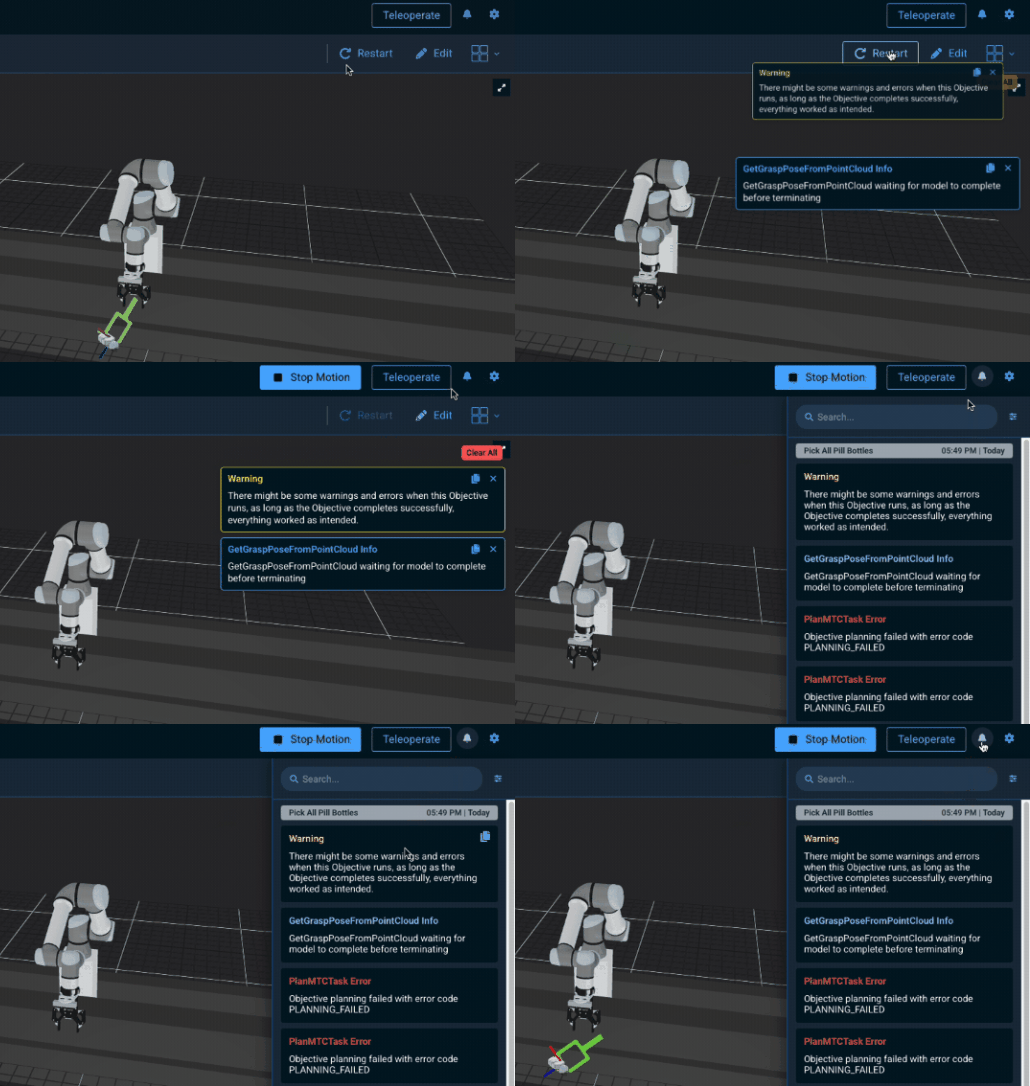
Behavior Tree Editor Sync with IDE
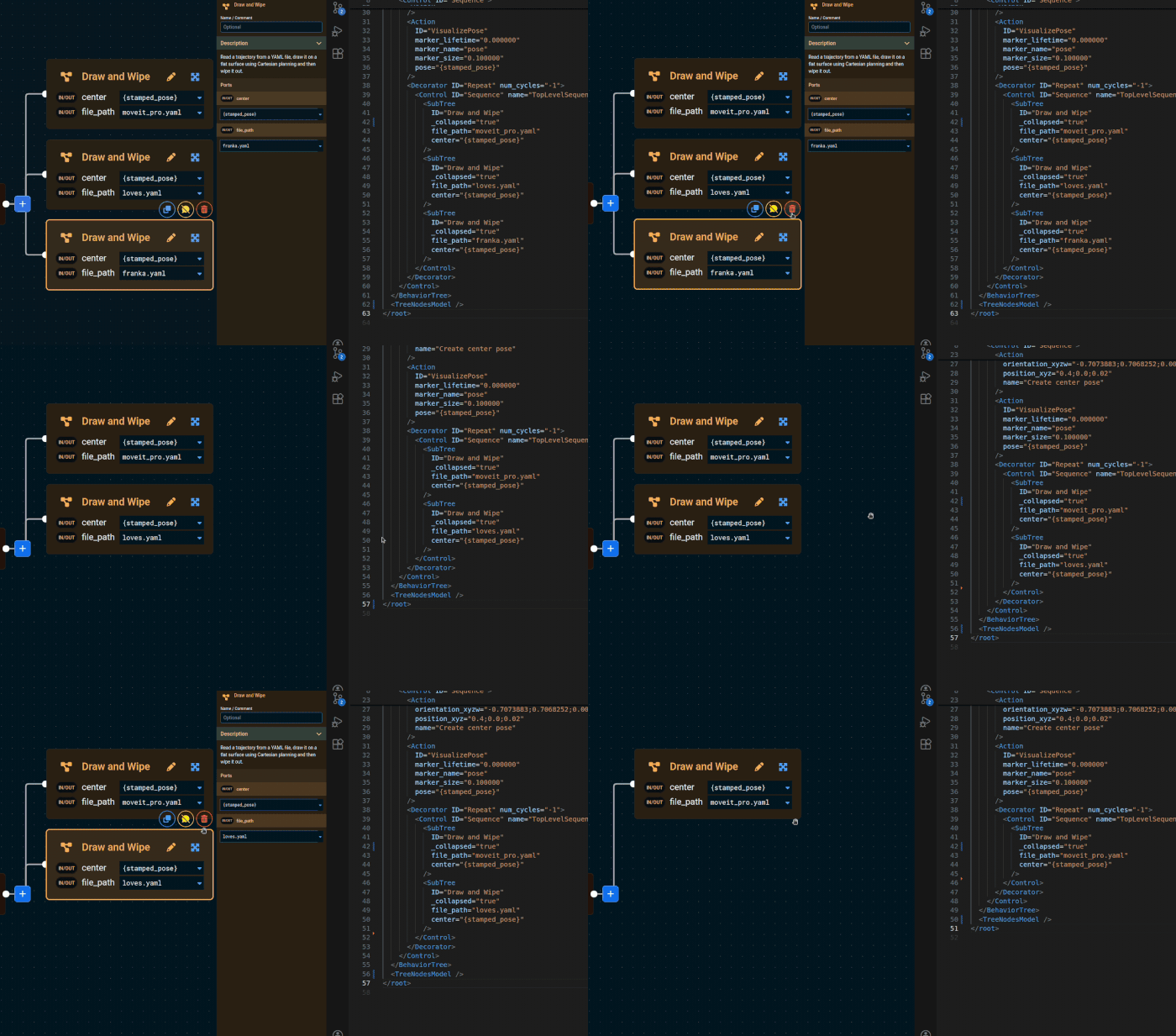
Now when you edit a Behavior Tree XML file in your IDE / text editor of choice, the changes are automatically refreshed in the MoveIt Pro UI. This underscores our commitment to "Code when you need it, UI when you don't".Featured Vendor: KUKA
Our featured MoveIt Pro and ROS 2 compatible hardware this month is the KUKA KR Cybertech series. They are compact, high-performance industrial robots. MoveIt Pro now offers Gold Support for these robots, as well as KUKA-compatible 7th-axis linear rails.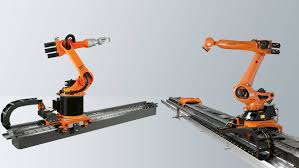

MoveIt Pro is PickNik Robotics’ commercial robotics software platform that extends the capabilities of the open-source MoveIt project. Designed for unstructured environments, MoveIt Pro provides powerful tools for motion planning, grasping, perception, and behavior sequencing. With pre-built robot behaviors and a modular runtime architecture, MoveIt Pro significantly reduces engineering effort and time-to-deployment. Its hardware-agnostic design supports a wide range of commercial and custom robotic arms, making it ideal for scalable automation across space, manufacturing, and logistics sectors.